ERP min/max vs demand forecasting: when the reorder rule stops working
Almost every ERP can reorder by min/max: when stock falls below the minimum, order up to the maximum. It is simple and it runs by itself — until demand changes, lead times stretch, or most of the catalog sells a few times a year. This page compares fixed reorder rules with item-level forecasting, honestly: where each one fits, and how they work together.
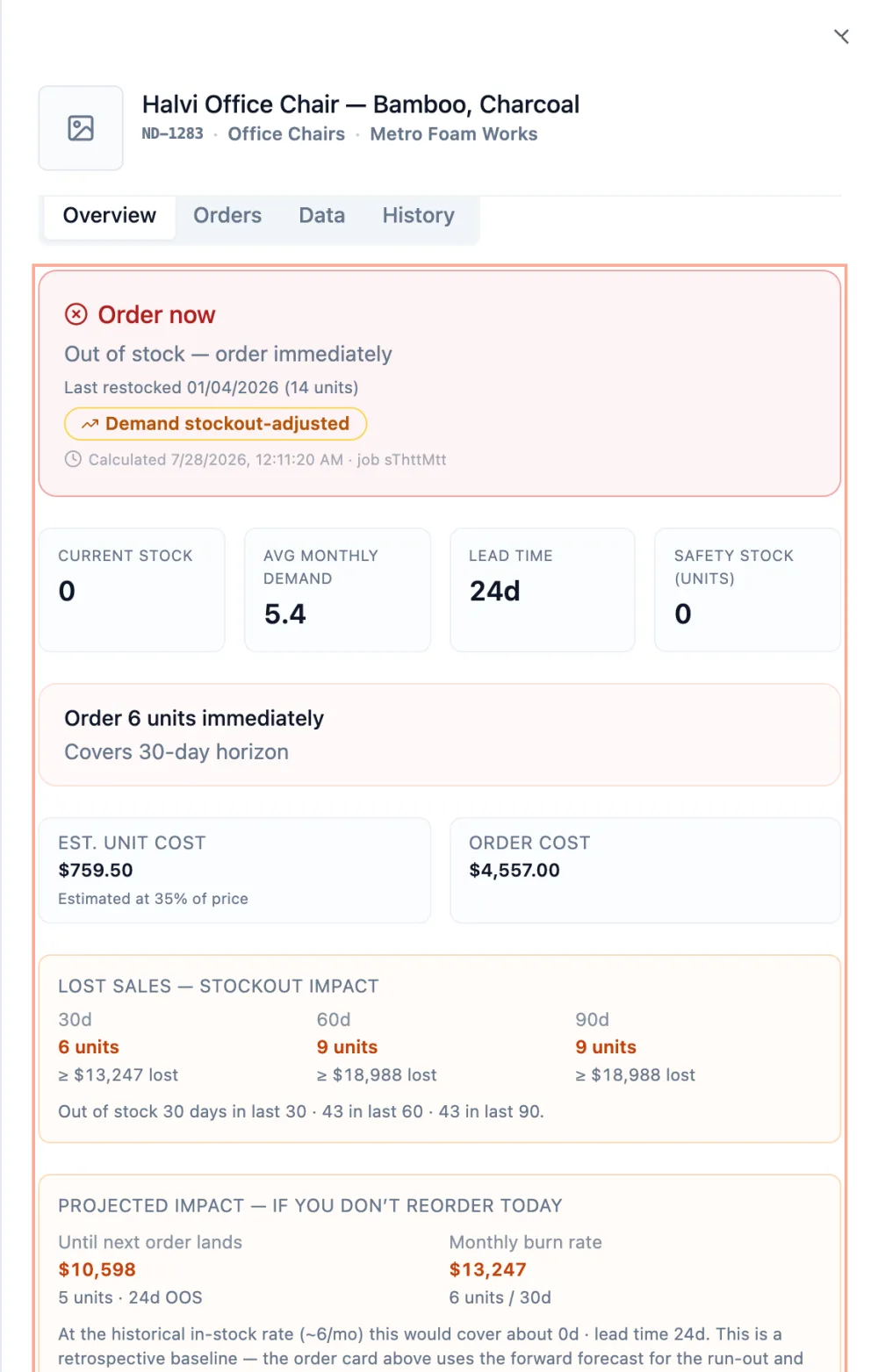
What min/max actually does
A min/max rule is two numbers per item. The minimum is a reorder point: stock that should cover demand during the supplier's lead time, plus a safety margin. The maximum caps the order. Someone sets both numbers — usually from an average of past sales — and the ERP applies them every day. The rule is only as good as those two numbers, and they are rarely revisited.
Side by side
| ERP min/max | Item-level demand forecasting | |
|---|---|---|
| Where the numbers come from | Set by hand, usually from an average | Recalculated from each item's sales history |
| When demand changes | Keeps ordering to the old numbers until someone edits them | The forecast moves with the demand, up or down |
| Slow, lumpy items | An average of rare, uneven sales — often too much stock or too late | Classified as intermittent or lumpy and forecast with methods built for them |
| Supplier lead times | Built into the minimum once, if at all | Each order sized to that supplier's lead time |
| Thousands of items | One rule for most of them; only the top sellers get attention | Every item forecast; the decisions ranked by money |
| Knowing if it works | You find out at the stockout or the stock count | Forecast accuracy shown for each item |
| Effort to run | Low once set — it runs inside the ERP | A data export or connection, then a review of the recommendations |
When min/max is enough
- Items that sell steadily, in similar quantities, every week.
- Cheap items where carrying extra stock costs little.
- Short, reliable lead times, so a late reorder is a small problem.
If that describes most of your catalog, a well-maintained min/max may be all you need.
Where it breaks
- Lumpy and slow items. A part that sold twelve units once looks like "one a month", so the minimum is set for steady demand. Every rare sale that dips below it triggers a refill to the maximum, and the stock sits until the next one. In spare parts and long catalogs these items are often the majority — see ADI / CV² demand classification.
- Fading items. Demand drifts toward zero but the min/max stays. Each occasional sale still refills the item up to a maximum set for old demand, and that stock becomes future dead stock.
- Growing items. The minimum was set for last year's demand, so stockouts start before anyone notices.
- Long lead times. With months between order and delivery, a minimum that is a little wrong becomes weeks of stockout or a year of overstock. The safety stock and reorder point formulas also assume demand that is roughly normal, which slow items are not.
Using them together
You do not have to replace the ERP. NextDemand reads your sales and stock data — today from an Excel or CSV export of any ERP — forecasts every item, and recommends what to order and when, what to sell down, and where you depend on one supplier. It does not write to your ERP: you review the recommendations and place orders the way you do today, or use them to update the min/max values of the items that matter most.
Frequently asked questions
Is min/max the same as a reorder point?
Almost. The minimum is the reorder point: the stock level that triggers an order. The maximum sets how much to order. Both are fixed until someone changes them.
Can I keep min/max in my ERP and still use NextDemand?
Yes. NextDemand works from an export of your data and does not write to the ERP. Many teams keep the ERP rules for steady items and use the forecast for the items where the rules fail, or to reset their min/max values.
Which items should I stop managing with min/max?
Start with slow and lumpy items, items with long or unreliable lead times, and expensive items. You can check any item's pattern with the free demand classifier.
Does NextDemand replace my ERP?
No. The ERP stays the system of record for orders, stock and suppliers. NextDemand adds the forecast and the ranked recommendations on top of its data.
See item-level forecasting on a sample company
Open the live demo, no signup, or run the free diagnostic on up to 25 of your own items.