Inventory spreadsheet or forecasting software: when is it time to switch?
A spreadsheet is the most common inventory planning tool there is, and for good reasons: it is free, flexible and everyone can open it. Forecasting software costs money and time to adopt. This page compares the two honestly — when Excel is the right tool, the signs you have outgrown it, and what actually changes if you move.
Side by side
| Spreadsheet | Forecasting software | |
|---|---|---|
| Cost to start | None — you already have it | A subscription, plus time to load your data |
| Flexibility | Anything you can build in a formula | What the product supports |
| Forecast method | Usually one average or trend for every item | A method chosen per item from its demand pattern |
| Slow and lumpy items | Averages that order too much or too late | Methods built for intermittent demand |
| Lead times and suppliers | Often in someone's head | Each order sized to its supplier's lead time |
| Scale | Real attention for the top items only | Every item forecast; decisions ranked by money |
| Is the forecast any good? | Rarely measured | Forecast accuracy shown for each item |
| Monthly effort | Rebuilt by hand; depends on the person who built it | Refresh the data, review the recommendations |
When the spreadsheet is enough
- A few dozen items, most of them selling steadily.
- Short lead times and few suppliers.
- Someone who has the time to keep it up to date, and a backup who understands it.
Signs you have outgrown it
- Stockouts on items that matter, at the same time as shelves of stock that does not move.
- Hundreds or thousands of items, where only the best sellers get real attention.
- Most of the catalog sells irregularly — check a few items in the free demand pattern classifier.
- Supplier lead times of weeks or months.
- The monthly rebuild takes days, and only one person knows how it works.
- Management asks how much cash is tied up in stock, and the answer takes a week.
What changes if you switch to NextDemand
- You start from the same file. Upload the Excel or CSV export you already use; the upload wizard maps your columns, Hebrew headers included. How it works from an Excel export.
- You keep Excel. The recommended orders export back to a spreadsheet, so your buying process does not have to change.
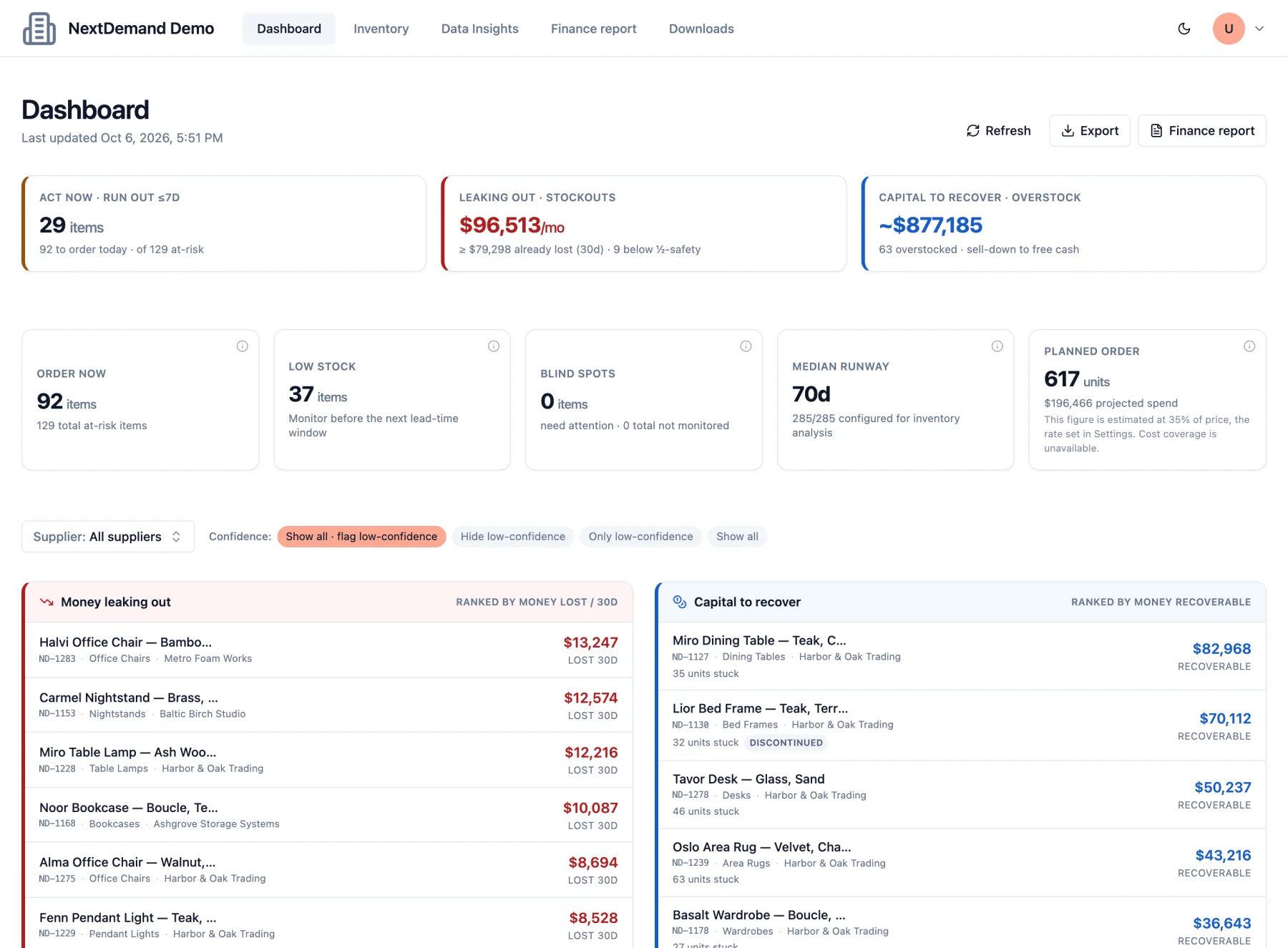
- You get decisions, not just a forecast. What to order now, sized to the lead time; what to sell down; estimated sales lost to stockouts; and where you depend on one supplier.
- You can try before deciding. The live demo needs no signup, and the free diagnostic runs on up to 25 of your own items.
Frequently asked questions
Is Excel good enough for inventory forecasting?
For a small catalog of steady sellers with short lead times, often yes. It struggles with many items, irregular demand and long lead times, because one formula has to fit every item and the work is rebuilt by hand.
Do I have to stop using my spreadsheet?
No. NextDemand starts from your Excel or CSV export and the recommended orders export back to a spreadsheet.
How long does it take to start?
You can open the live demo right away. The free diagnostic takes one export of sales history for up to 25 items; the column mapping is done in the upload wizard.
What does the software need from me?
Sales history per item with dates and quantities is enough for a forecast. Current stock and lead times turn it into order recommendations; costs and prices add the money view.
Compare it with your spreadsheet
Open the live demo, no signup, or run the free diagnostic on up to 25 items from your own export.